
Learn English one-on-one, live on Zoom
Business, general and exam-preparation English with a university-trained teacher. Short, focused lessons you book in your own time zone.
Choose what you need
Every lesson is one-on-one and built around your goals. Pick a class, and the booking page opens with it already selected.
General English
Speak, listen, read and write with more confidence in everyday situations.
- Conversation practice
- Grammar and vocabulary in context
- All levels, A1 to C2
Business English
English for meetings, emails, presentations, interviews and negotiations.
- Professional vocabulary and phrases
- Email and presentation practice
- Role-plays from your own work
Exam Preparation
Targeted practice for IELTS, TOEFL and Cambridge exams.
- IELTS and TOEFL
- Cambridge B2 First, C1 Advanced, C2 Proficiency
- Exam tasks and feedback
Simple pricing
The same price for every class type. You pay securely online when you book.
Payment is made through PayPal. Depending on your country, PayPal may also let you pay by card.
How paying with PayPal works
You do not need a PayPal account in every country. On the PayPal page you can log in, or, where PayPal offers it, pay with a debit or credit card. Which options you see depends on your country.
The pictures are simple illustrations. The real PayPal page may look slightly different.
Booking takes about a minute
No accounts, no passwords.
- Pick a classChoose the type and length of lesson.
- Choose a timeAvailable times are shown in your own time zone.
- Pay securelyPay with PayPal on PayPal's own page.
- Join on ZoomYour Zoom link is made for the time you picked. Join then.
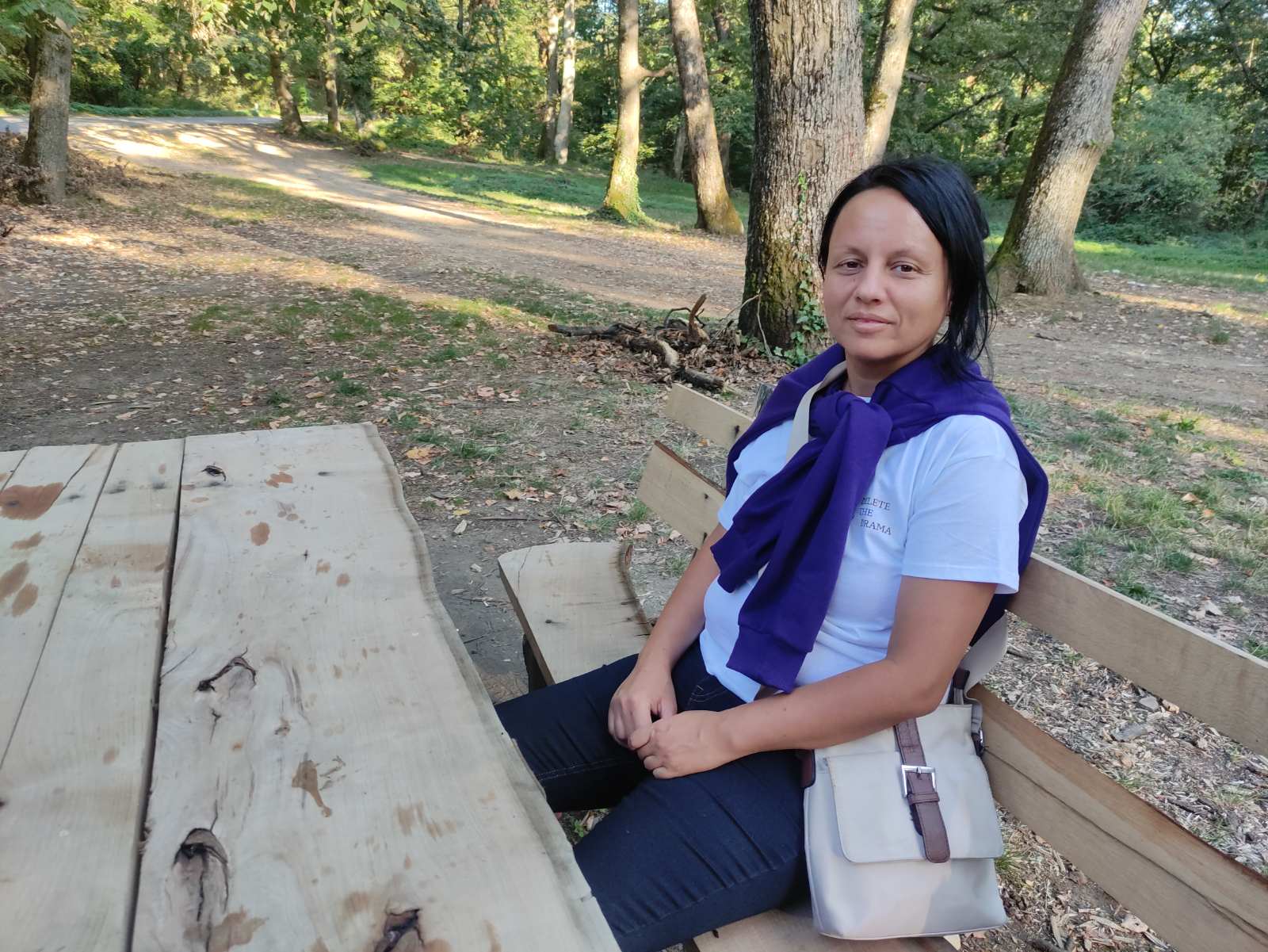
Hi, I'm Darija
I am an English teacher with a university degree in philology. I run an English language centre and teach adults and students online.
Tell me your level, your job and what you want to practice when you book, and I will plan the lesson around it.
Good to know
Which time zone are the times in?
The booking page detects your time zone and shows every time in it. You can change it in the second step.
How do I get the Zoom link?
The link is created for the time you selected. It appears on the confirmation page right after payment, and a confirmation email with the link is sent to you automatically. You join at your chosen time.
Which level do I need?
All levels are welcome. Write your level in the notes when you book, or just describe what you want to practice.
How do I pay?
Payment is online through PayPal. Depending on your country, PayPal may also offer card payment.
I need to change my lesson time. What should I do?
Write to me through the Contact page and I will help you.
Ready for your first lesson?
Choose a time that suits you and get your Zoom link in minutes.
Book a class